
Go to Tools –> Import and Export Settings…

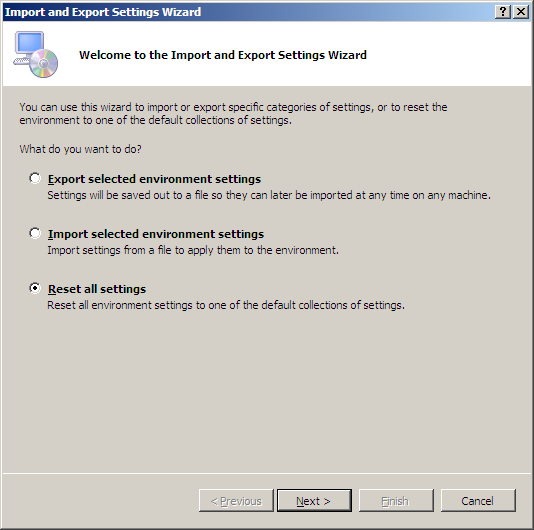
Then you will got this window, Choose reset all settings, click Next
Then either choose to save or not to save your settnigs here:

Here you choose your default Visual studio settings:
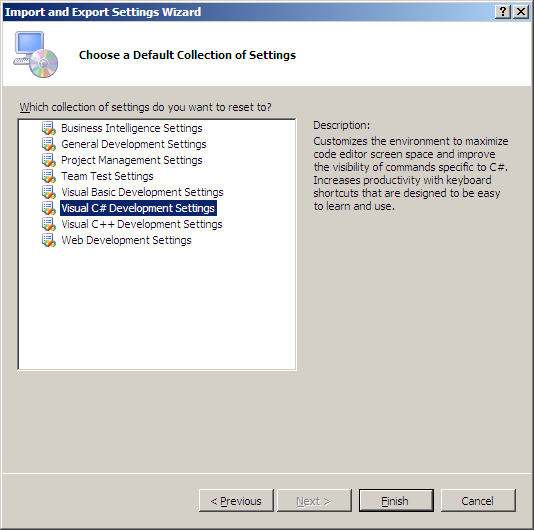
Then click Finish.



 Jamil Haddadin